Heads up: This is reader-supported. When you buy through the Amazon links below we may earn a commission at no extra cost to you — see our affiliate disclosure. Every link opens an Amazon search so you can check today's price and read current reviews yourself.
Every August the same scene repeats: the laptop was researched for weeks, and then move-in day reveals that the room has two outlets, both behind the bed, and the charger that came with the phone has a three-foot cable. The accessory layer — the boring $10–30 stuff — is what makes a dorm or first apartment actually livable, and it's exactly the category that's easy to get wrong when you're grabbing things off a checklist the night before.
Below are the nine small electronics that earn daily use, roughly in order of how much students regret not having them, with the one or two specs that separate the good ones from the shelf clutter. Nothing here should cost more than about $30; several are under $15.
1. A surge-protected power strip (the legal kind)
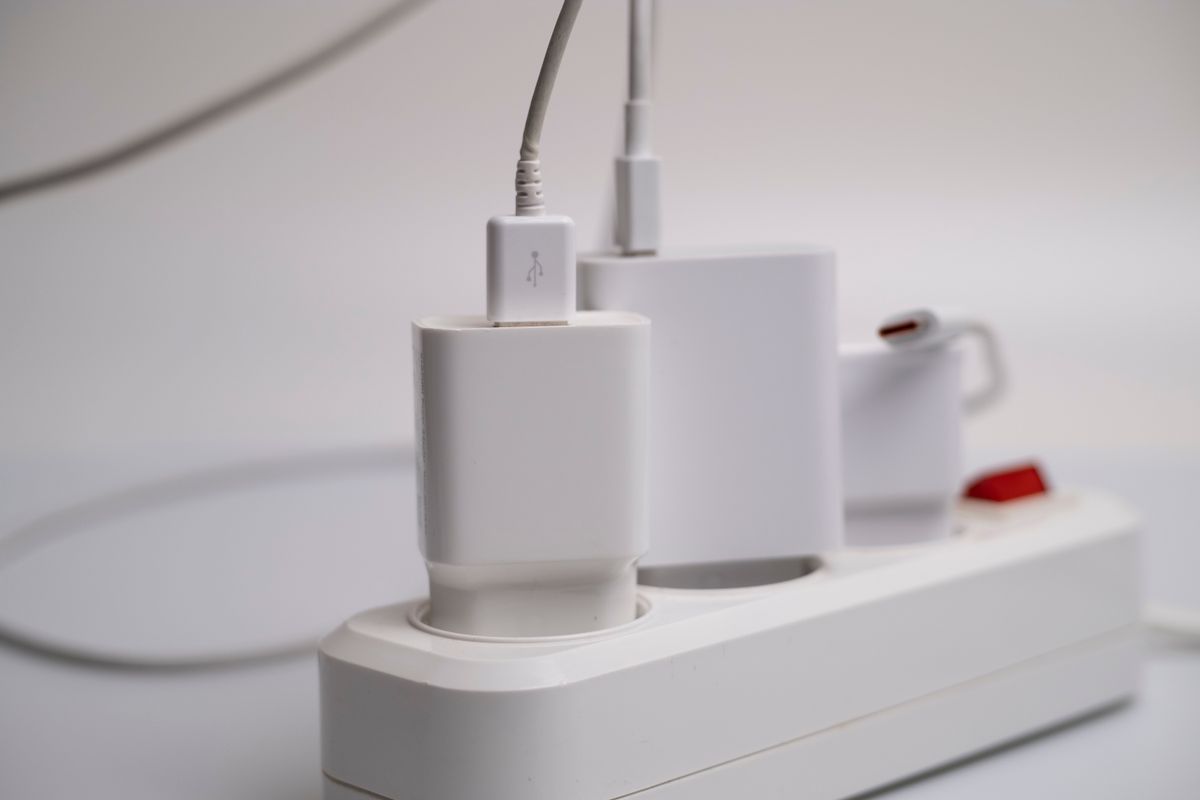
The single most-used item in any dorm. Rooms have too few outlets, always in the wrong place. Two rules before you buy: campus housing generally allows surge-protected strips and bans plain extension cords and daisy-chained strips — check your school's housing handbook — and anything you plug the laptop into should carry a UL or ETL listing. Look for a long cord (10 feet solves the outlet-behind-the-bed problem), a couple of built-in USB ports for the small stuff, and spaced outlets that fit chunky adapters. Our surge protector guide covers joule ratings and when a strip is actually protecting anything.
2. One 65W dual-port USB-C charger instead of a drawer of bricks
Most thin student laptops charge over USB-C at 45–65W, which means a single 65W dual-port wall charger can handle the laptop and phone together from one outlet — worth its weight in a room where outlets are currency. Check the charger your laptop shipped with and match or beat that wattage. GaN-based chargers pack this into something the size of a matchbox. The full breakdown of wattage sharing between ports (the spec that surprises people) is in our USB-C charger guide.
3. Long, braided cables — plural
The three-foot cable that comes in the box assumes your bed is next to an outlet. It is not. A 6–10 foot braided cable reaches the bed, the desk, and the floor spot by the window, and braided jackets survive the backpack-door-slam life far longer than rubber ones. Buy at least two — one lives plugged in at the desk, one travels. If your devices are USB-C, check the cable's wattage rating matches your laptop charger; the details are in our USB-C cable guide.
4. A power bank sized for a campus day
Between classes, the library, and whatever the evening turns into, phones die at the worst time. A 10,000mAh power bank is the sweet spot: roughly two phone charges, small enough to forget in a backpack pocket. Below that you'll wish for more; above 20,000mAh you're carrying a brick you don't need daily. Our power bank guide explains why the advertised capacity never quite reaches your phone and which ports matter.
5. A clip-on reading light (the roommate peace treaty)
Overhead dorm lighting is all-or-nothing, and your roommate's 8am is not your 1am. A clip-on LED light with adjustable warmth and brightness attaches to a headboard or shelf and lights your book without lighting the room. Warm settings (around 3000K) matter for late reading — cool blue-white light at midnight is how you stay wired. A proper desk lamp does the same job at the desk; the clip-on covers the bed.
6. A laptop stand that saves your neck
Hours of looking down at a laptop screen is the posture tax of student life. A simple aluminum riser lifts the screen toward eye level; pair it with any cheap external keyboard and the dorm desk becomes a workstation. Foldable stands under $25 travel to the library too. Check the stand's height range and that it holds your laptop size without wobble — see laptop stands under $25 for what that budget buys.
7. A wireless mouse, because trackpads and essays don't mix
The cheapest quality-of-life upgrade on this list. A compact wireless mouse makes spreadsheet labs, editing, and anything design-related dramatically less annoying than a trackpad. Things worth checking at this price: silent-click models if you work in libraries, a Bluetooth option if your laptop is short on USB ports, and battery type — a mouse that runs months on one AA beats one that needs weekly charging. Options at this budget are in wireless mice under $25.
8. Earbuds with a microphone that works
Not the flagship earbuds — the $20–30 tier has genuinely usable options for lecture streams, calls home, and the gym. The spec that matters at this price is the microphone, because online office hours and group-project calls are where cheap earbuds usually embarrass you. Battery life claims are optimistic across the board; read recent reviews for real-world numbers, which is exactly what our earbuds under $25 page rounds up.
9. LED strip or string lights (allowed, and worth it)
The difference between a cell and a room is usually lighting. Adhesive LED strips behind a headboard or along a shelf add warm, controllable light for under $20 — most campus housing allows them as long as they're low-heat LEDs and you use removable mounting (command-strip style) that won't take paint off in May. Check the power source too: USB-powered strips can run off the power strip you already bought. Ideas and trade-offs live in LED strip lights under $25.
What to skip until you've seen the room
- A printer. Campus print quotas are almost always cheaper than ink, and the printer takes desk space you don't have.
- Big speakers. Thin walls, shared rooms, quiet hours. The earbuds above cover it.
- Gadget duplicates of the phone. Alarm clocks, cameras, voice recorders — the phone already does it, and the gadget goes home unused.
- Anything wall-powered with no safety listing. The bargain-bin charger is the one place the cheap option can actually cost you. Save on cables and stands, not on things that plug into the wall.
For the non-tech side of the packing list — bedding, storage, shower gear — our dorm essentials under $50 guide covers what first-years actually use, and the laptop backpack guide handles the thing that carries all of this to class.
Frequently asked questions
Are power strips allowed in dorm rooms?
Most campus housing allows a surge-protected strip and bans plain extension cords and daisy-chaining strips together. Rules vary by school — check the housing handbook. A UL-listed strip with a circuit breaker is the safe default housing offices expect.
What wattage charger does a student laptop need?
Check the charger your laptop shipped with — most thin laptops charge at 45–65W over USB-C. Match or beat that number, and a dual-port 65W charger can cover laptop plus phone from one outlet.
Is a cheap no-name charger safe?
Wall-powered gear is where to be picky: buy chargers and strips from brands that publish real specs and carry a UL or ETL listing. Go cheap on cables and stands instead — the failure modes there cost you a cable, not a laptop.
What tech should students skip for a dorm?
Printers (campus printing is cheaper than ink), big speakers (shared walls), and gadgets that duplicate the phone. The under-$30 accessory layer gets daily use; impulse gadgets mostly get packed home unused in May.